
Here’s what’s new in Matrix Booking
This month, we're introducing the Visitors Evacuation List, a real-time view of everyone currently on-site to support emergency evacuations and roll calls.
You'll also find details on our ongoing admin screen redesign, an improvement to the space booking approval process, and an invitation to our upcoming Insight reporting explained webinar.
Read on for the details, plus a preview of what's coming next.
If you'd like to learn more about any of these updates, your Customer Success Manager will be happy to help.

So, what’s in this email:
Updates to our Admin screens
Following on from our redesign of the booking journeys at the end of last year, we are now progressing with the same redesign across all of our admin screens. We're rolling out these updates in phases, refreshing the screens used by administrators to manage features and settings across the platform. This programme of work will deliver a more consistent experience, improved performance and a cleaner, more intuitive interface.
Some screens will receive a visual refresh only, while others will include new functionality and usability improvements. We will communicate significant changes in advance. Smaller updates and cosmetic enhancements will be shared via post-release notifications.
So far, we have updated and released the following screens :
-
Administrators
-
Booking categories
-
Cost codes (additional enhancements coming soon)
-
Location administrators
-
Location managers
-
Receptionists
-
Import Screens
We're continuing to update the remaining admin screens and will keep you informed as further improvements are released.
Webinar: Insight reporting explained - unlocking your workplace data
.png?cb=d8ca512ac0eea591aa1a19728af9885d)
📅 Tuesday 21 July
🕒 11:00 AM – 12:00 PM BST
Webinar: Insight reporting explained
Join us for our first quarterly webinar to explore the latest platform updates and discover how to get more value from Matrix Booking Insight.
Our team will take you through the key features of Insight, share reporting best practices, and show you how to uncover meaningful trends from your workplace data. You'll also have the opportunity to ask questions and hear directly from our experts during a live Q&A session.
Whether you're new to Insight or looking to expand your reporting knowledge, this session will help you make more informed decisions with your workplace data.
This webinar is primarily aimed at Matrix Booking administrators. However, if colleagues in your organisation use Insight or have an interest in workplace reporting and analytics, please feel free to forward this invitation to them.
Space booking
Faster approvals with fewer clicks
Following customer feedback, we've improved the Awaiting approval page.
The page now automatically loads all future bookings that require approval, removing the need to select a date range or click Search before reviewing requests.
This small change makes it quicker and easier for approvers to stay on top of pending bookings.
What’s coming next
Visitors Evacuation List
A real-time view of visitors on-site during an emergency
We're introducing the Visitors Evacuation List, a dedicated screen that gives authorised users a live view of visitors currently on-site. Designed for evacuations and roll calls, it helps teams quickly identify who may need to be accounted for during an emergency.
How it works
The evacuation list shows all visitors —both external and internal — who are checked in and not yet checked out, providing an up-to-date view of who is on-site at any given time.
Users can:
-
Search for visitors quickly
-
Filter by location and visitor type
-
Customise visible columns
-
Export the list when needed
-
Refresh the data in real time
The list is fully responsive and can be accessed on desktop, tablet and mobile devices.
Getting started
The Visitors Evacuation List is available as part of Enhanced Visitor Management.
Customers with Enhanced Visitor Management will see this feature appear automatically.
If you're unsure whether your organisation has Enhanced Visitor Management, or would like to discuss adding it to your account, please get in touch with your Customer Success Manager.
Access and permissions
Access is controlled through a new Evacuation List role, which can be assigned by Org Admins.
The role can be configured for individual reception locations and works independently of existing visitor management permissions, giving organisations greater control over who can access evacuation information.
Key benefits
-
Support safety procedures with a clear view of who is currently on-site.
-
Improve accuracy with real-time data based on visitor check-in and check-out activity.
-
Access information anywhere with a fully responsive experience across devices.
-
Support complex organisations with full multi-organisation compatibility.
.png?cb=c9609cfc82e428b0dab99e5f6604ccd6)
Admin setup
Org admins can assign the evacuation list role from the Edit user screen in the web app. The role can also be configured on the Roles tab for a reception location.
Interested in enabling the Visitors Evacuation List? Contact your Customer Success Manager.
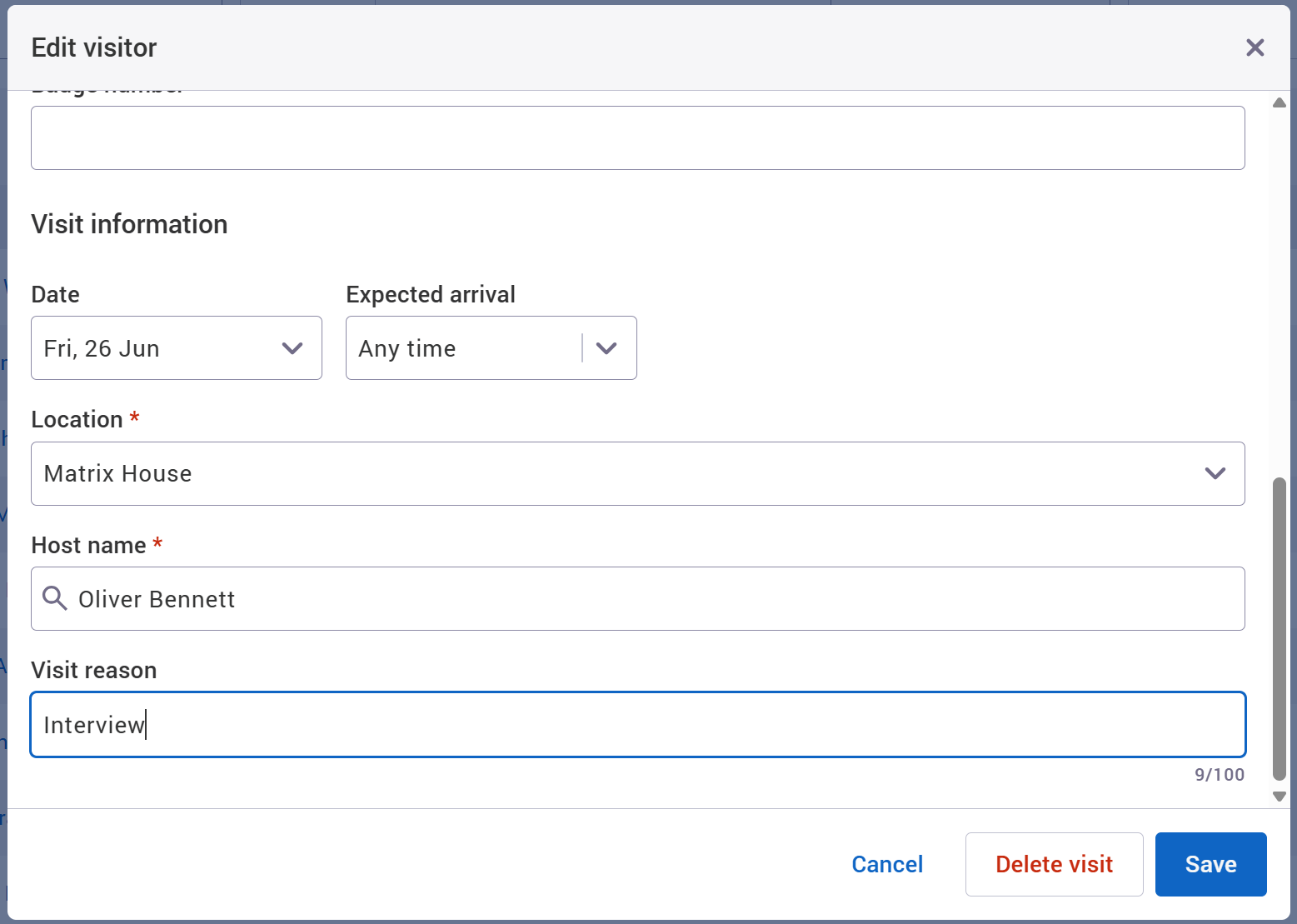
Visit reason
Add a reason for each visit, such as training, interviews or conferences. This gives hosts and receptionists more context about why visitors are on-site.
Bulk visitor import
Import multiple visitors at once using a CSV file. Perfect for events, conferences and training sessions with high visitor volumes.
Visit history
Get a complete audit trail for every visit, showing who created or updated a record and when changes were made.
Introducing workplace studies
We're shortly releasing our workplace study product. It uses short term sensor deployments with zero dependency on your network, giving you real insight without the need to process or analyse the data yourself.
Bulk cancellation reason
When cancelling multiple bookings, location managers and admins can include a reason. Affected colleagues will see clear communication about why their booking was cancelled.
MS Teams online meetings enabled by default
Set booking categories to automatically enable the MS Teams meeting option for new bookings. This removes an extra step for users and helps ensure online meeting links are included when needed.
Where to find us next
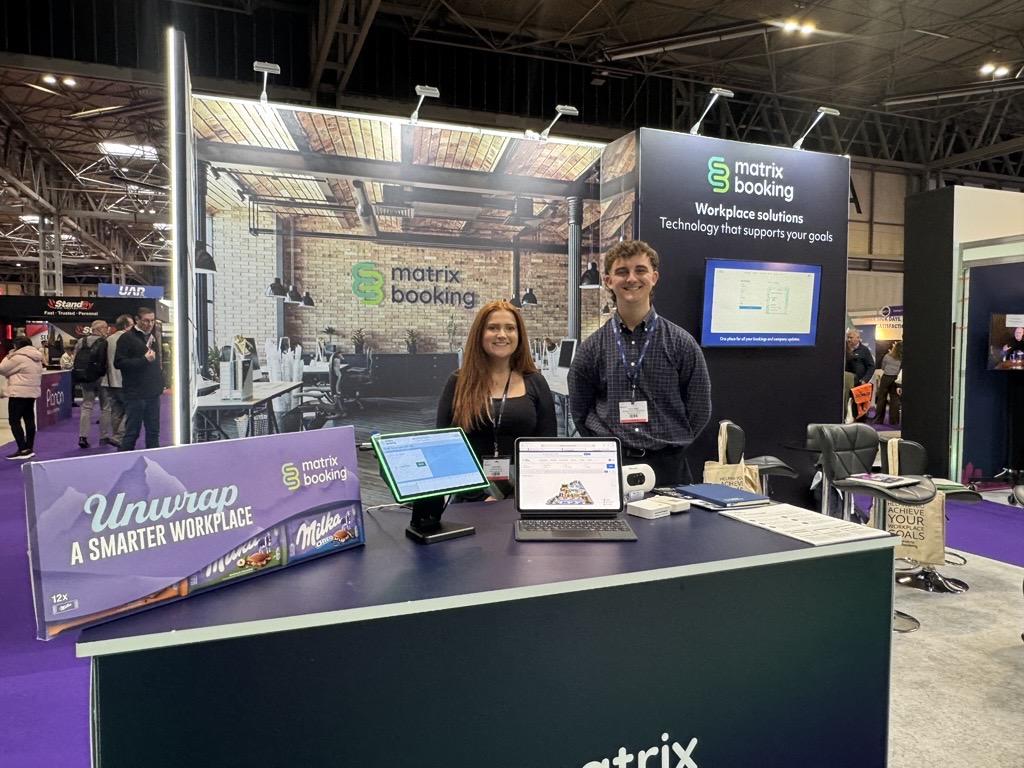
Facilities & Estates Management Live: 20 – 21 October 2026 (Business design centre, London)
NHS Property 2026: 10th November 2026 (London)
To see the full list, head to the events area on our website.
Supporting information
Please do ensure all of your administrators have access to our Support Portal to allow them to raise issues.
Here are some useful links:
-
Our Administrators guide for detailed instructions on how to amend and change settings.
-
Our Support Portal for guides, troubleshooting and raising issues.
-
Our Training Hub contains all our eLearning guides.
Why am I getting this email?
You're receiving this operational email because you're either a Matrix Booking Administrator or you’re registered with us as a key contact involved with Matrix Booking. If this isn't the case or you no longer wish to receive these updates, select the update your preferences link at the bottom of this email.
This is also the same contact list we use to advise of any system issues or service updates. If you fully unsubscribe from this, you'll unsubscribe from both types of email.
If you’re updating your workplace processes and rules or if you would like more information about anything in this email or our other products, contact us to see how we can provide help or support with those plans and using Matrix Booking in general.
Regards from everyone here at Matrix Booking,
Ian Jones
Chief Customer Officer