Welcome to your May product update.
This month’s updates are focused on making booking management more intuitive for users and giving admins better visibility across workplace activity.
Booking search, filters and calendar views have been improved to help users find availability faster and manage bookings more easily. There’s also clearer visibility of cancelled bookings and booking history, helping reduce confusion in day-to-day use.
You’ll also get an early look at Visitor Pass Printing, an upcoming feature designed to support a more professional and secure visitor experience.
If you'd like to know more about anything covered here, your Customer Success Manager is happy to help.

So, what’s in this email:
Improvements to My Bookings
We've introduced several updates to make searching, filtering and managing bookings more intuitive and efficient.
Smarter search and filter behaviour
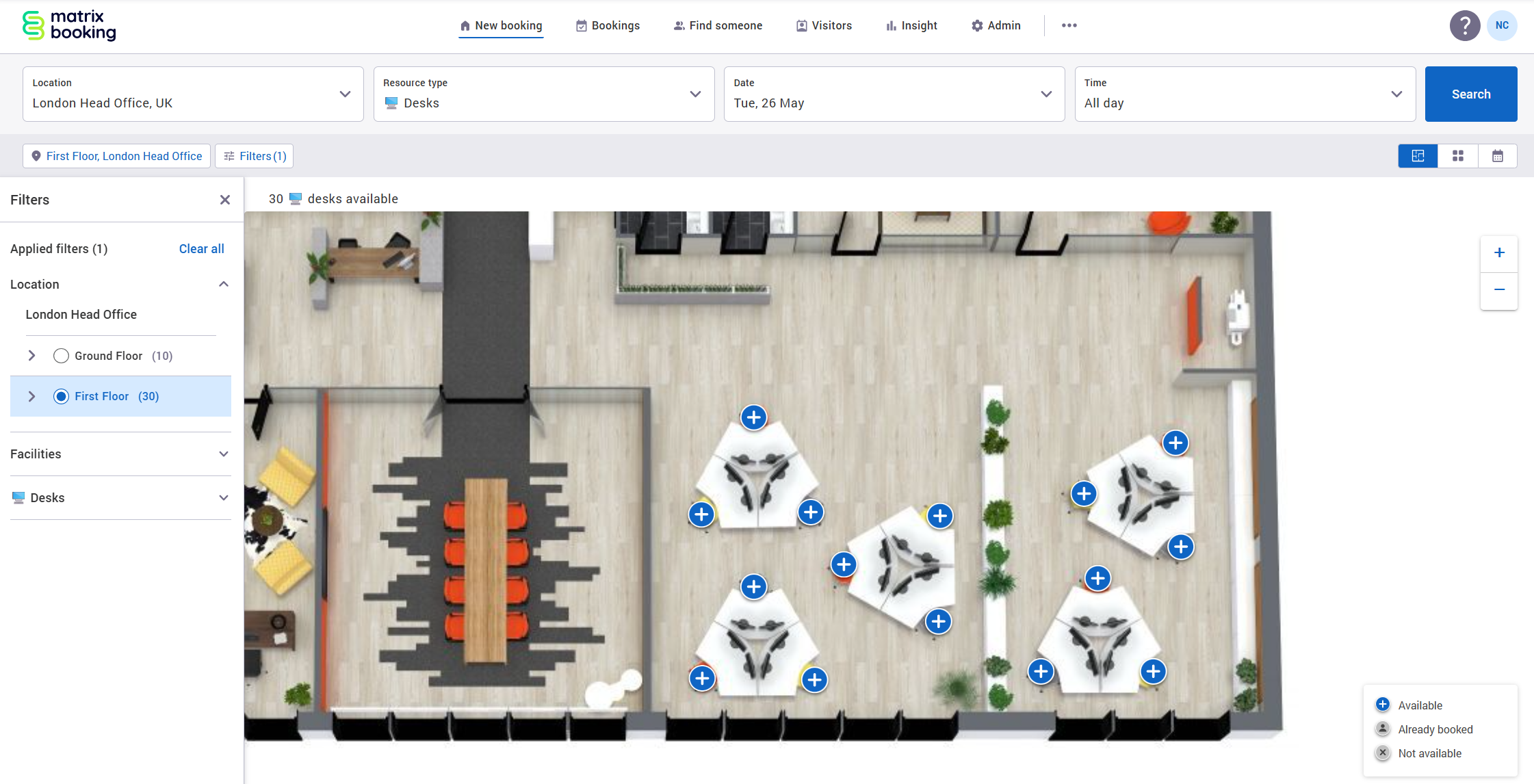
Filters now stay in place when users update their search.
Previously, if you searched for an available desk across an entire building and then filtered results to a specific floor, those filters would reset when updating the search. Now, your selected filters are remembered when carrying out a new search, such as changing the booking date. This helps users find and book the right space faster, with fewer repeated steps.
More ways to view booking availability
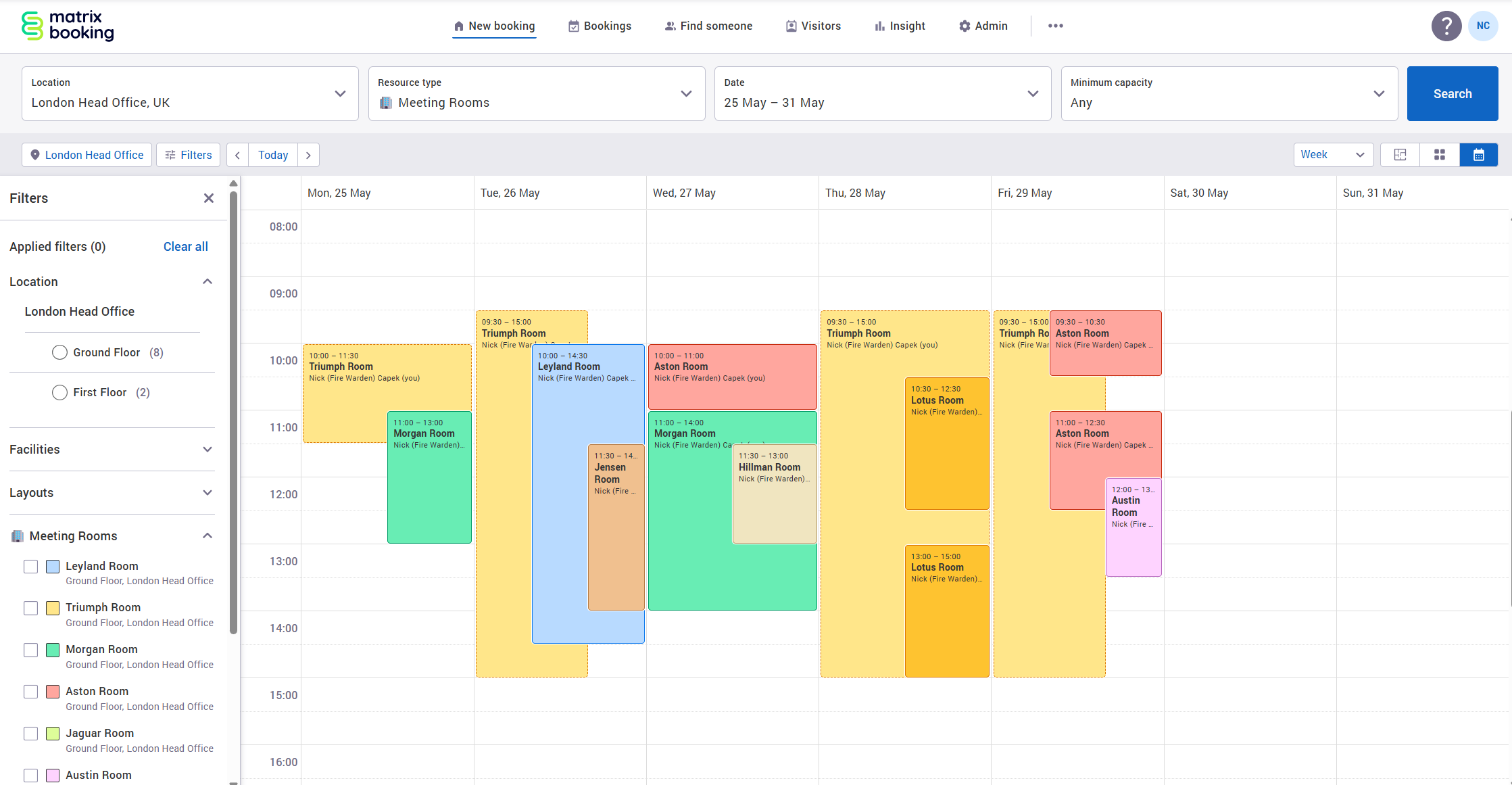
In addition to the existing Schedule view, booking search results can now also be viewed by:
-
Day
-
Week
-
Month
These additional views make it easier to explore availability across longer time periods and find suitable booking slots more quickly. We've also added a resource filter with a colour key, allowing users to filter results down to specific resources for easier navigation.
‘Date created' column added to bookings tables
You can now add a ‘Date createdʼ column to bookings tables. This gives admins and users better visibility into when bookings were originally made, helping distinguish between booking creation dates and the actual booking dates.
Better visibility for no-show series cancellations
Users will now see clearer notifications when a repeat booking series is cancelled due to persistent no-shows.
Cancellation emails include more context, and the booking itself shows the reason for cancellation. This helps users understand what happened and rebook if needed.
Coming soon
Visitor pass printing
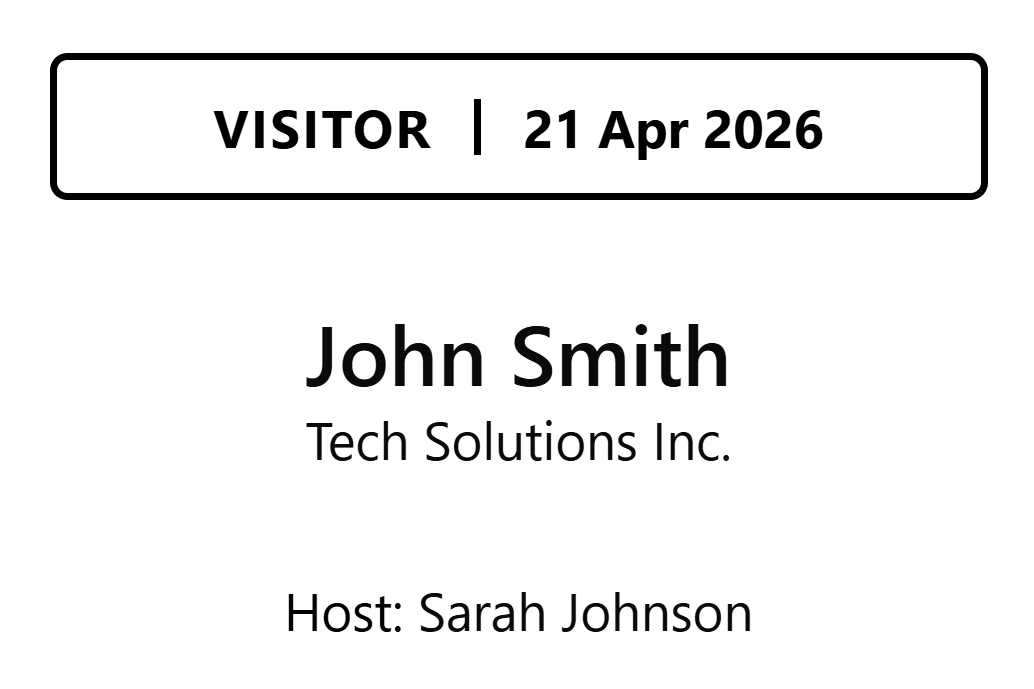
We'll soon be introducing Visitor Pass Printing, designed to help organisations deliver a more professional and secure visitor experience. With Visitor Pass Printing, passes can be printed during reception check-in or automatically through the Welcome app for self-service visitor arrivals. Passes can also be printed ahead of arrival, individually or in bulk, helping front-of-house teams prepare for busy days more efficiently.
What this will help with
Visitor Pass Printing is designed to help teams:
-
Create a more polished visitor experience.
-
Improve on-site security with clear visitor identification.
-
Reduce manual admin for reception teams.
-
Support both staffed and self-service check-in experiences.
Meet the team
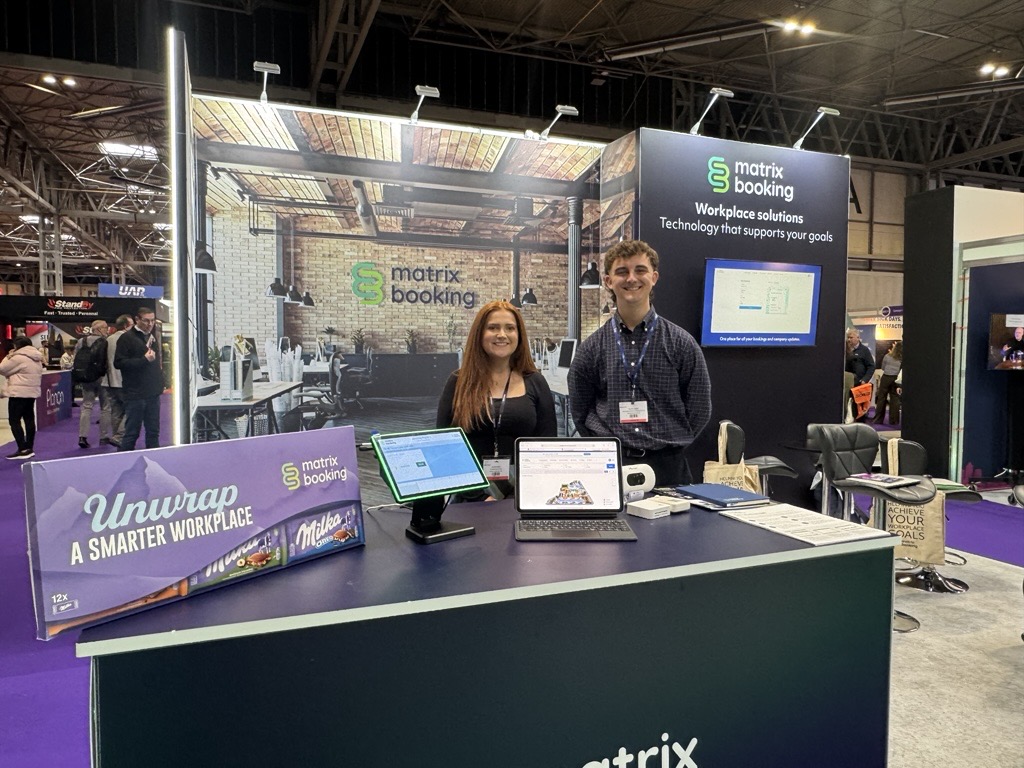
The Health Estates and Facilities Management Association (HEFMA) Leadership Forum - 28th to 29th May 2026 (Leeds)
KSPN and Kent Connects Expo - 4th June 2026 (Ashford)
IWFM Live - 16th June 2026 (London)
To see the full list, head to the events area on our website.
Supporting information
Please do ensure all of your administrators have access to our Support Portal to allow them to raise issues.
Here are some useful links:
-
Our Administrators guide for detailed instructions on how to amend and change settings.
-
Our Support Portal for guides, troubleshooting and raising issues.
-
Our Training Hub contains all our eLearning guides.
Why am I getting this email?
You're receiving this operational email because you're either a Matrix Booking Administrator or you’re registered with us as a key contact involved with Matrix Booking. If this isn't the case or you no longer wish to receive these updates, select the update your preferences link at the bottom of this email.
This is also the same contact list we use to advise of any system issues or service updates. If you fully unsubscribe from this, you'll unsubscribe from both types of email.
If you’re updating your workplace processes and rules or if you would like more information about anything in this email or our other products, contact us to see how we can provide help or support with those plans and using Matrix Booking in general.
Regards from everyone here at Matrix Booking,
Ian Jones
Chief Customer Officer