
Via ‘All bookings’ you can search for bookings by workplace role as well as by individual user. To see when and where users with specific roles have booked:
-
Navigate to All bookings. The calendar > week view is particularly useful.
-
Use the ‘User or role’ search parameter to enter a specific workplace role.
-
Use filters to narrow the results to specific locations if required.
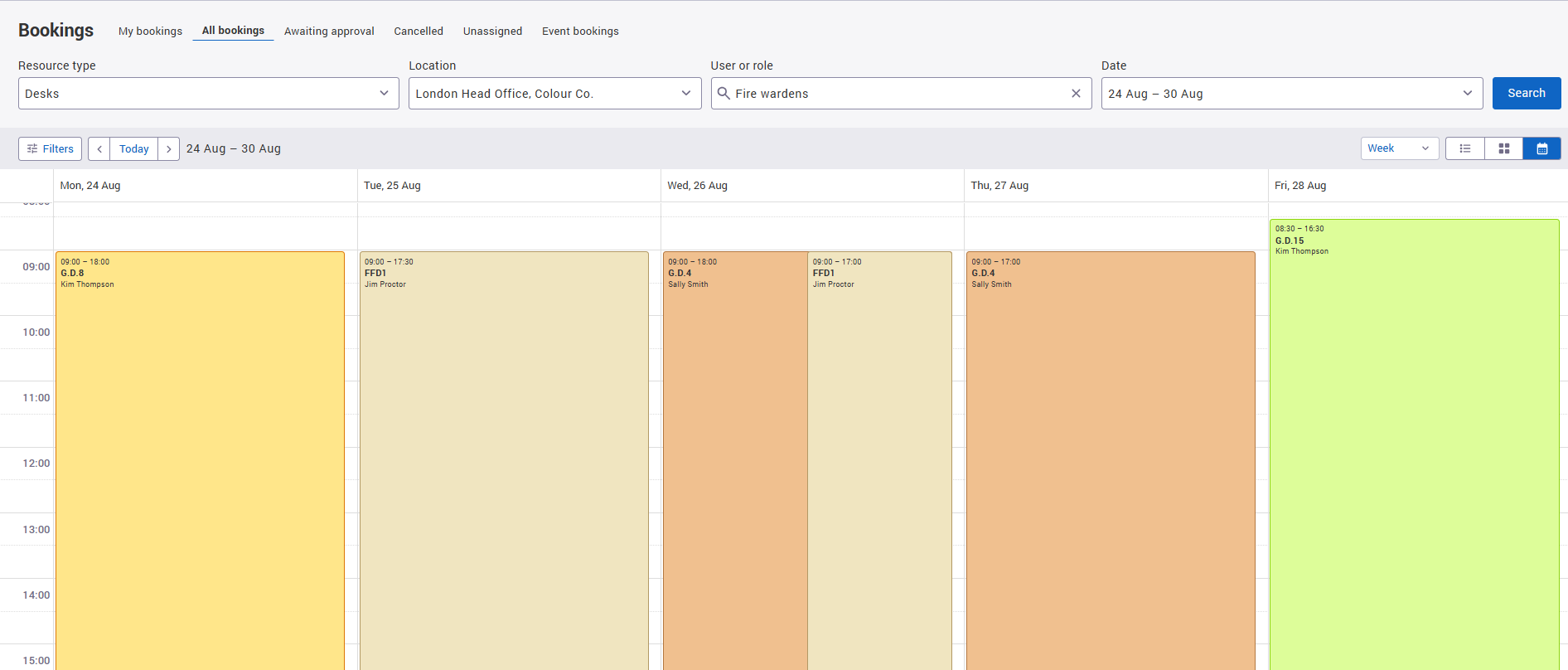
This makes it easier to find bookings for groups of people who share the same workplace responsibility and ensure you have the right staffing cover.