
Problem
-
My room signage tablet is displaying the wrong room?
-
How do I change the room on my signage device?
-
Can I display more than one room on my signage tablets?
Solution
You can reconfigure the app (for example, pointing to an alternative room) on a device that has already been configured:
-
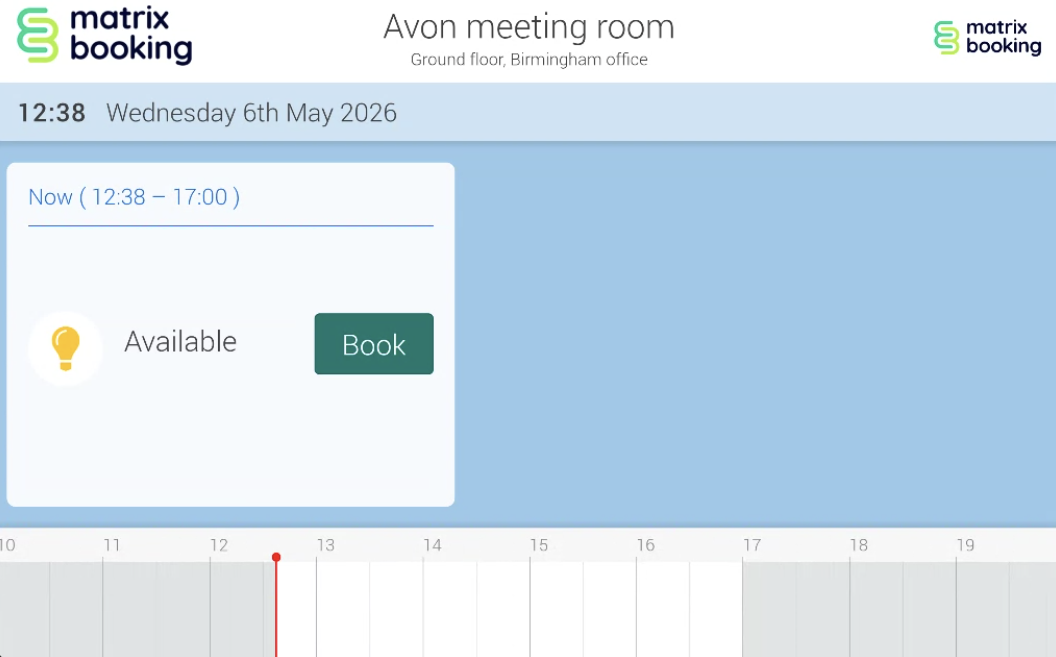
Tap the Matrix Booking logo in the top right hand corner 5 times consecutively within 3 seconds.
-
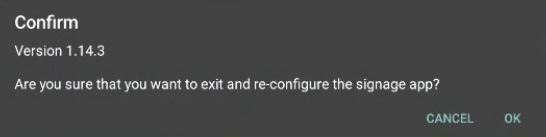
A prompt will appear displaying the installed version of the Signage app. It will ask you to confirm that you want to exit.
-
Tap OK or Exit.
-
Reconfigure the app.