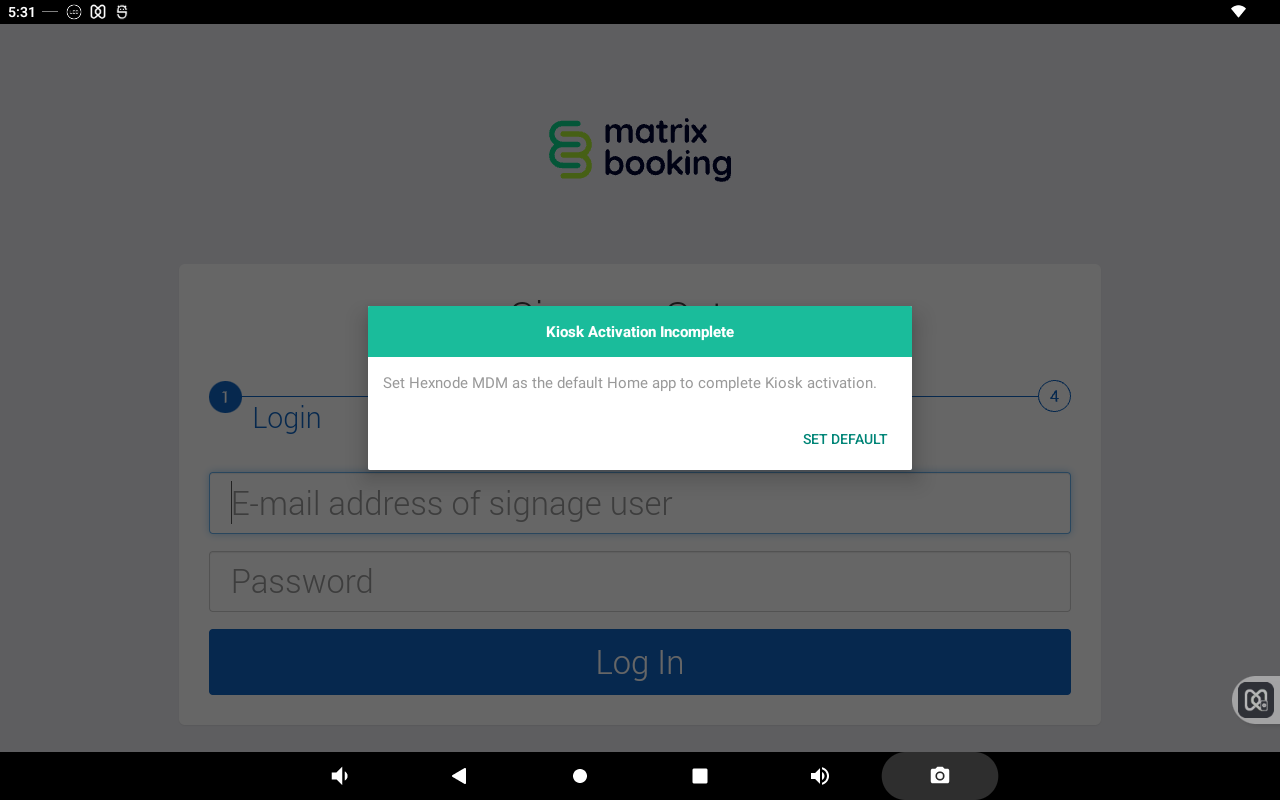
Problem
-
How do I set the default home app when re-entering kiosk mode?
-
My ProDVX device has been restarted and I’m being asked to reset the default home app. What do I do?
Solution
When a ProDVX device has been restarted or re-enters kiosk mode on Android 12 and above, you’ll be prompted to reset the default home app for the device. To do this:
-
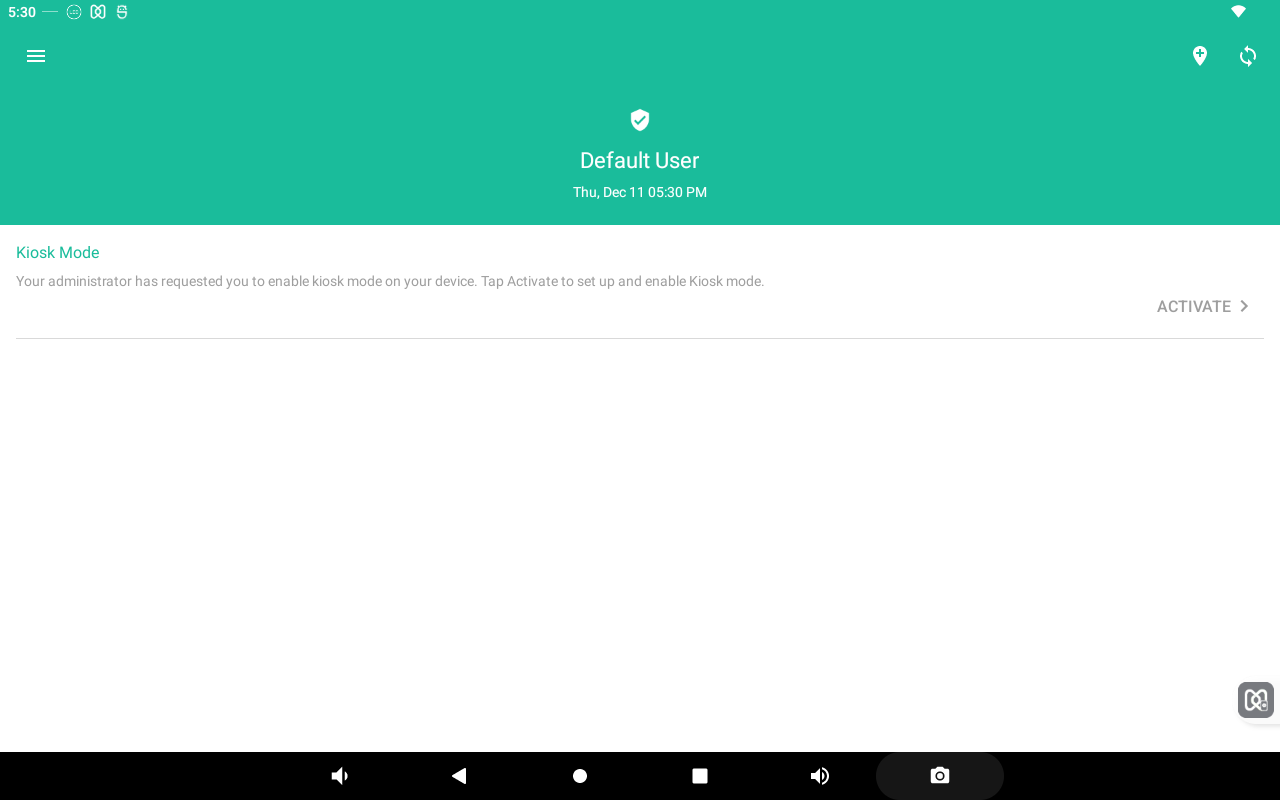
Tap the Activate button that appears. The Default home app screen will appear.
-
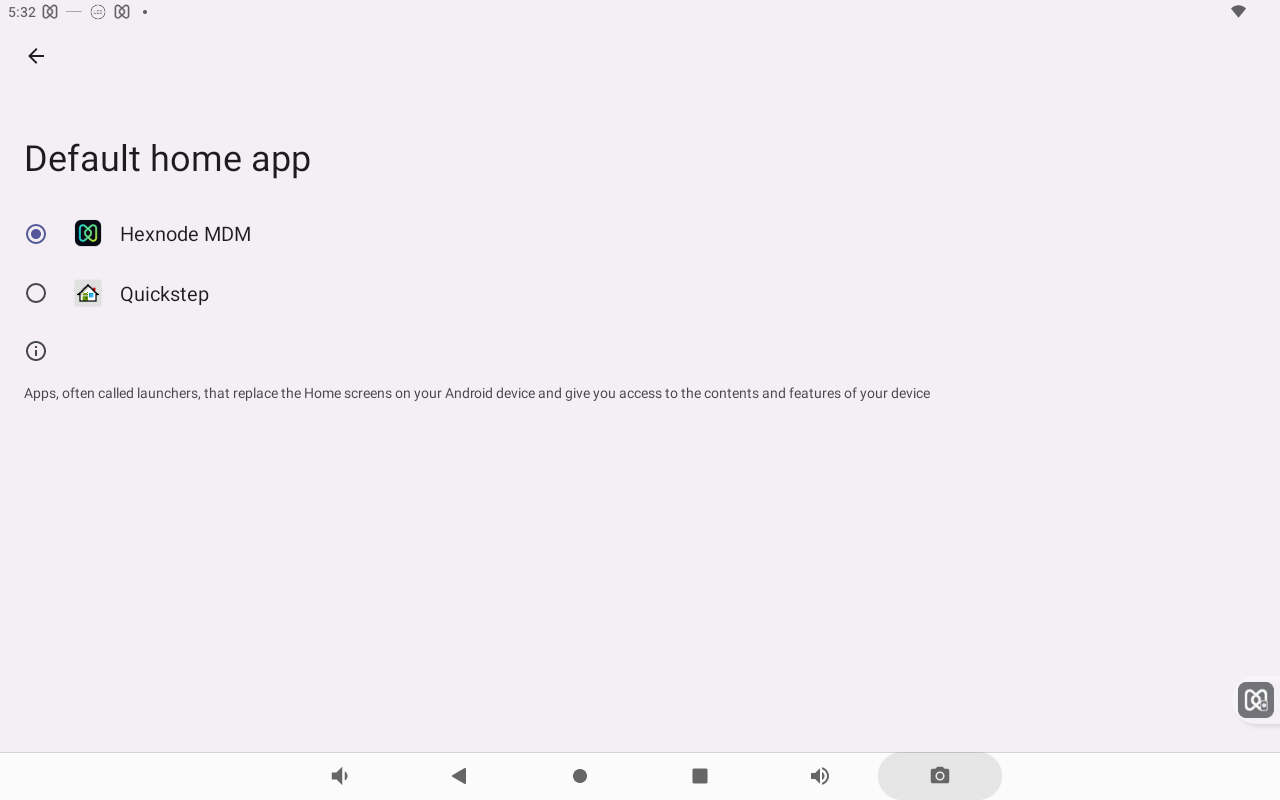
Tap the Hexnode MDM option.
-
Tap SET DEFAULT to set Hexnode MDM as the default Home app.