
Problem
-
Can I add more than one email address or multiple email addresses for a provider?
-
Why hasn’t my provider received a notification or request?
-
I’ve added an email address for my provider, but they aren’t receiving email notifications. What do I do?
-
Where are my service provider’s requests gone?
Solution
Although the email address for providers is optional, only 1 email address per provider can be entered. If more than one is added, none of the email addresses will receive any notifications or requests.
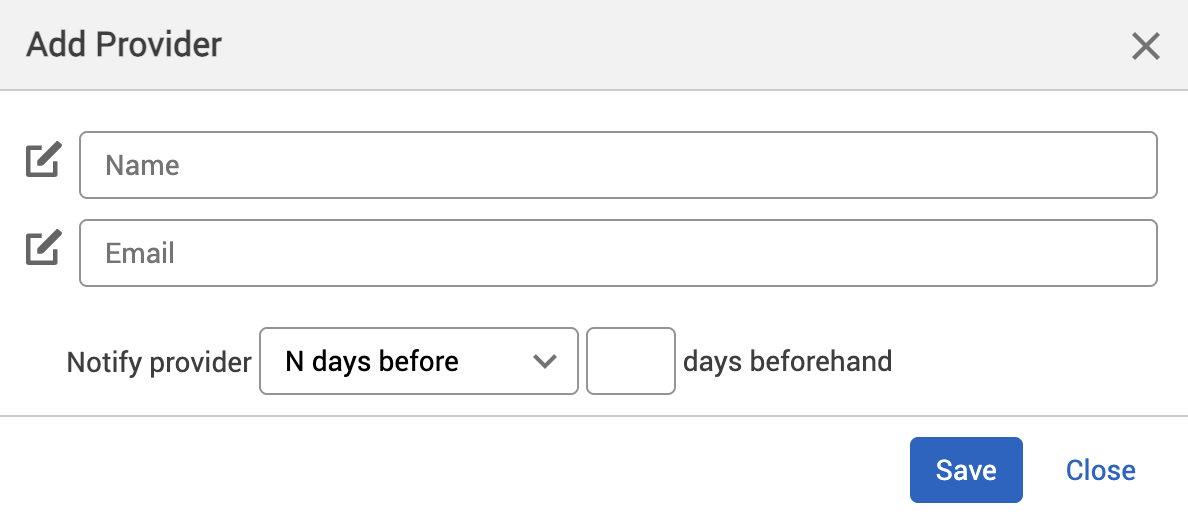
To resolve this issue:
-
Remove any additional email addresses.
-
Make sure that the remaining email address has been entered correctly.
Workaround
As only 1 email address can be entered per provider, the workaround is to have multiple email addresses tied to 1 email address. This is called an email distribution list.
To set up this workaround:
-
Ask your IT team to set up an email distribution list that includes all the email addresses needed for 1 provider.
-
Add this email distribution list’s email address to the provider in the Booking options screen in Matrix Booking.