
Problem
-
When making a booking is it possible to override a room’s capacity?
-
Can I book a resource that has more people than it’s capacity?
-
Can I book a room with less people than it’s minimum capacity?
Solution
There are 2 ways in which users are warned that they don’t meet the resource’s capacity requirements:
-
Exceeding the capacity – you can still book a resource if you exceed its capacity.
-
Being below the minimum capacity – Matrix Booking won’t allow a booking to be below the minimum capacity as a standard user (see Notes below for more information).
To add or edit a capacity or a minimum capacity for a resource:
-
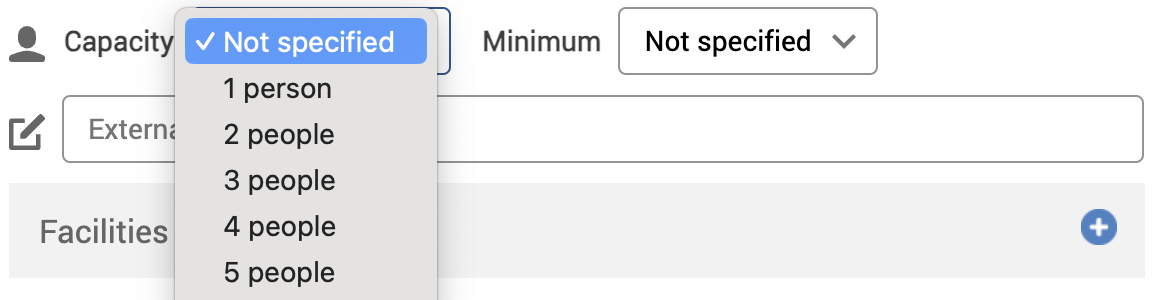
Select the Capacity dropdown. A dropdown for the number of people that your resource can hold will appear.
-
To add a minimum number of people that are needed to book your resource, select the Minimum dropdown. A dropdown for the number of people that your resource can hold will appear.
-
Select either of the following and the dialog will close:
-
Save to keep your changes.
-
Close to discard your changes.
-
-
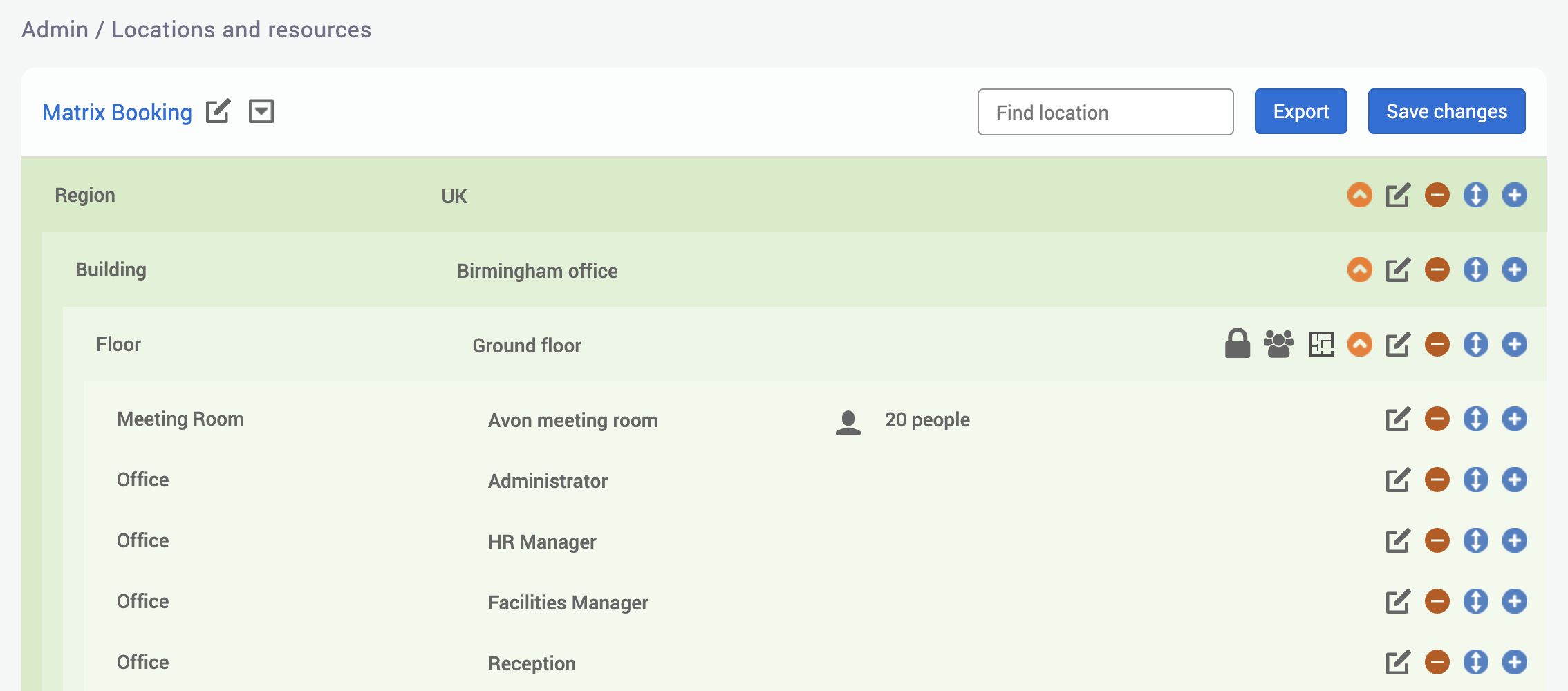
Your resource’s capacity will be displayed on your Locations and Resources hierarchy.
-
When you make a booking for that resource and you haven’t reached the minimum capacity, you’ll get a warning message:

-
When you make a booking for that resource and you’ve exceeded the maximum capacity, you’ll get a warning message:

Notes:
-
Capacities and minimums are limited to 200 people.
-
Only resources (or Booking categories) can have capacities; locations can’t.
-
If you don’t have the minimum number of attendees needed to book a resource and you’re a location manager, location administrator, or administrator of the location where the resource is, you can ignore this warning and book the resource. If you’re a standard user, you won’t be able to book the resource unless you’ve reached the minimum number of attendees.