
Problem
-
Room signage device or screen shows a blue page only?
-
What should I do if my signage device is stuck on the Android boot screen?
-
My tablet is showing the Android splash screen. What do I do?
Solution
You may get the following screen on your signage or kiosks device:
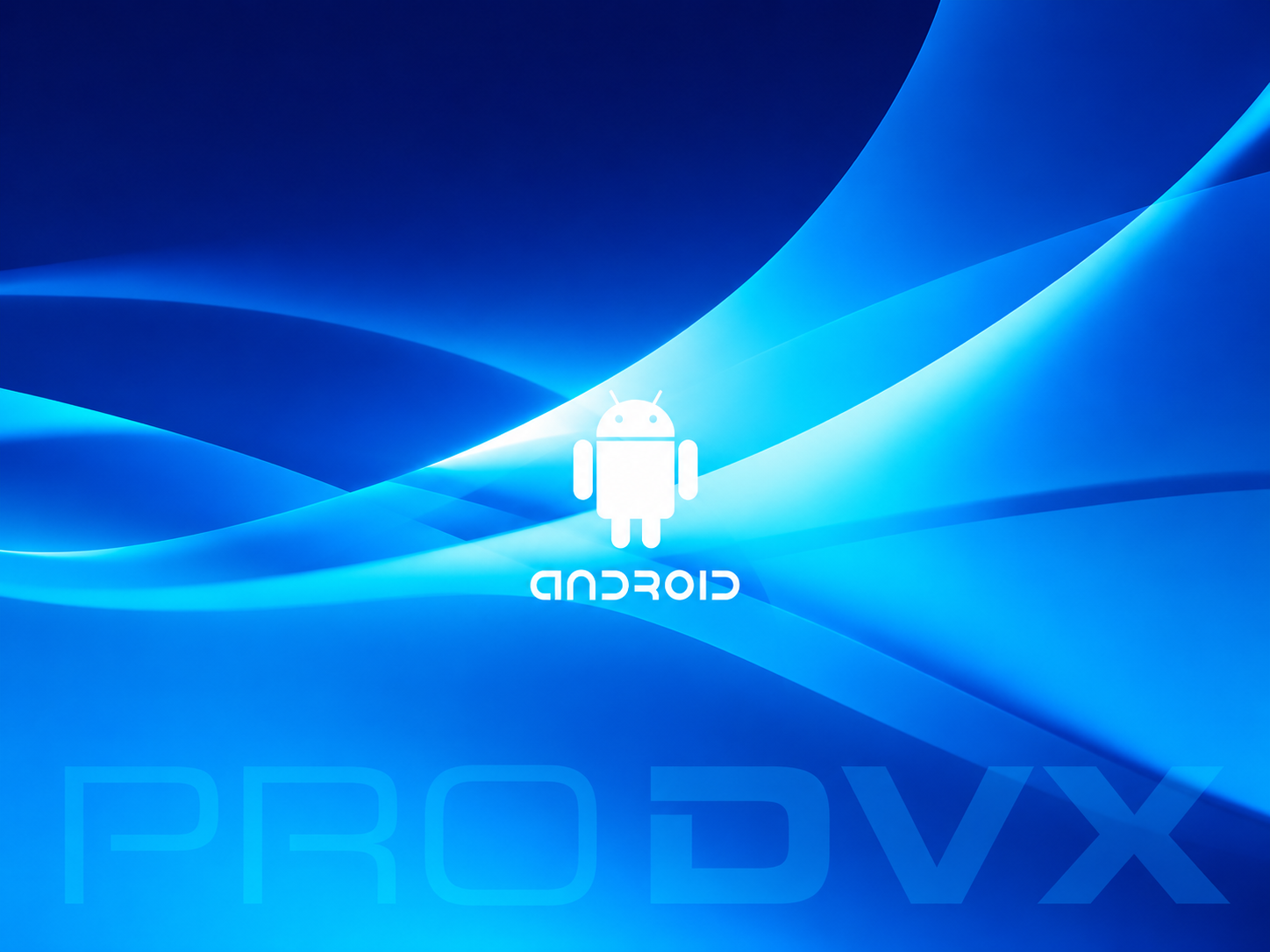
This lasts for a few seconds when the device is restarting, powering on, or booting up – it’s completely normal.
Boot screen stays on
If the device stays on this screen and won’t progress:
-
Turn the device off. You may need to unplug the network cable to power the device off,
-
Wait 10 seconds.
-
Turn the device back on.
Boot screen stays on after reboot
If after rebooting the device the boot screen still stays on, this means there’s a software fault with the Android tablet and needs to be reported to the company that supplied the hardware. If the device came from:
-
Matrix Booking, raise a support ticket and we’ll investigate this for you.
-
Your own AV company, contact them to have the device factory reset and Matrix Booking reloaded on to it.