
Problem / Question
-
Why can’t I export bookings anymore?
-
Where has the export button gone from all bookings?
-
Can I still export all my bookings?
-
How can I export lists of bookings?
-
How do I export report data?
-
I can’t find the export button. Where has it gone?
Solution / Answer
Although some of the reports have moved to the Bookings screen, most of them have moved to Matrix Booking Insight as interactive dashboards. Additionally, the export functionality has also moved from Matrix Booking to Insight.
To export a visualisation in Insight:
-
Select the dashboard you want to view.
-
Apply the search filters you want.
-
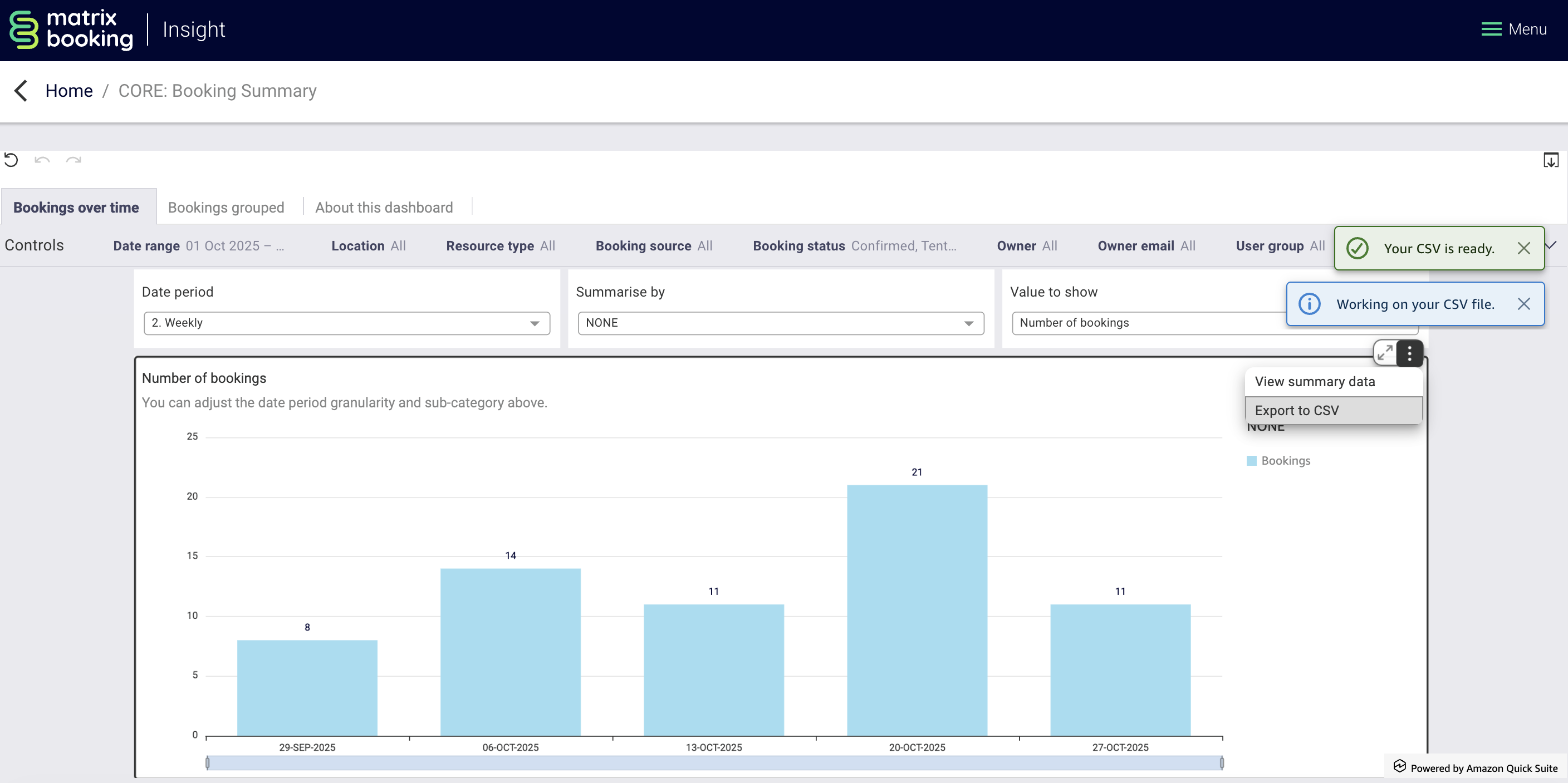
Hover over the particular visualisation you want to export.
-
Select the vertical three-dots icon to open the more options menu.
-
Select either:
-
Export as CSV.
-
Export as Excel (this option may not always be available).
-
-
The file will begin to download.
Find out more about what’s changed in the new Matrix Booking